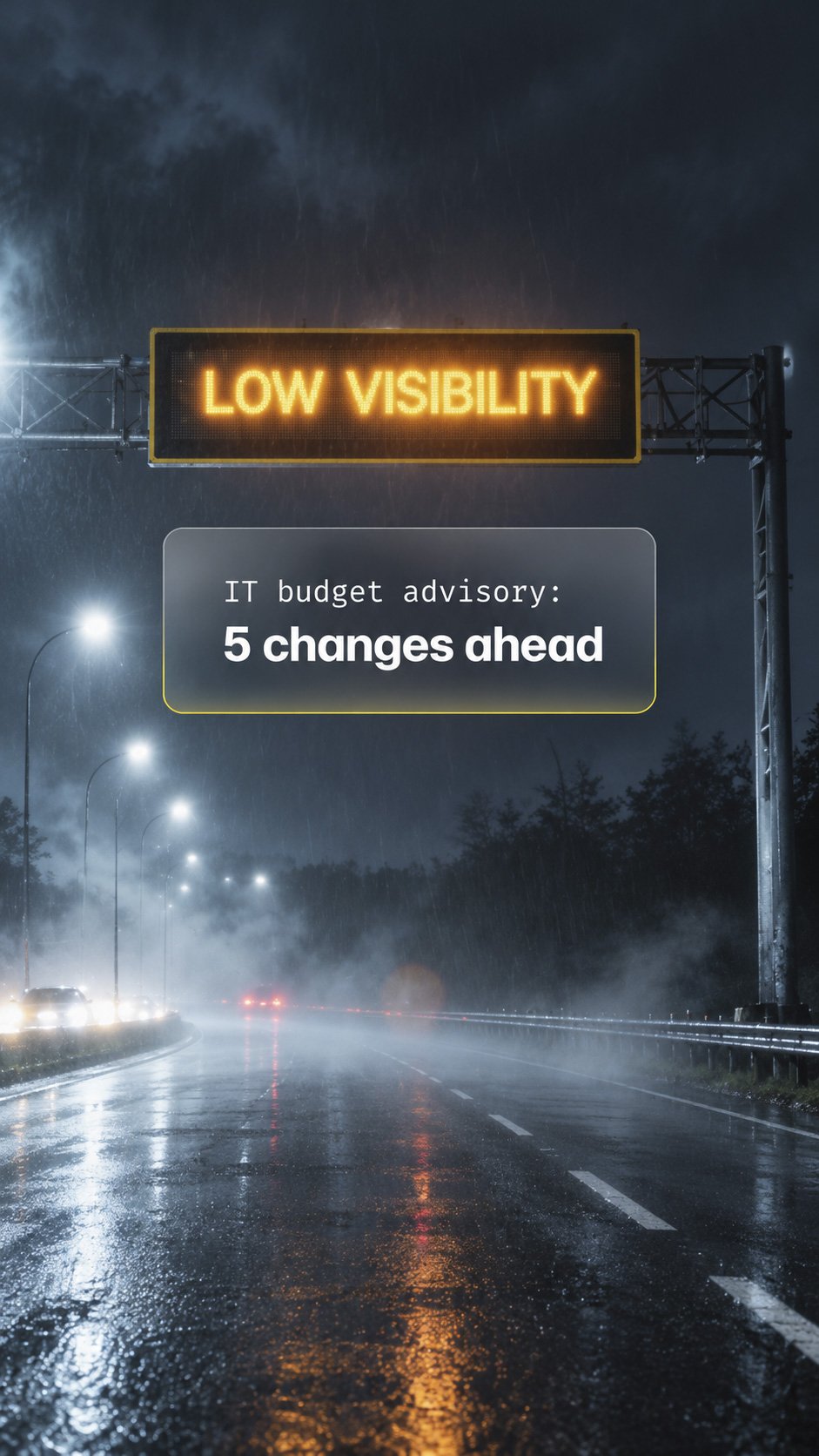
 A useful forecast gives you time to prepare. Your technology budget should do the same. Aging equipment, rising subscription costs and approaching renewals can signal a change in spending well before an invoice arrives.
As you prepare your 2027 budget, look beyond what you spent this year. These five signs can help you spot changes that call for a budget review before costs or deadlines limit your options. Use them to decide which priorities need attention now and which investments can be scheduled later.
1 Equipment needs more attention
A computer that needs repeated repairs costs more than the service visit. It also takes time away from employees and the customers who depend on them. Aging servers and network equipment can create similar interruptions across the organization.
Age alone does not determine when a device should be replaced. Performance, reliability, warranty coverage, manufacturer support and the demands of the role all matter. Your budget should reflect those factors rather than wait for equipment to fail.
What to review: Ask for an equipment inventory that identifies condition, support status and expected replacement timing. Separate devices that need attention soon from those that can continue serving the business reliably.
2 Your staffing plans are changing
Changes in staffing can signal that your technology budget needs updating. New roles, different responsibilities or a shift in where employees work may change the equipment, software, access and support your team needs.
Bring HR, department leaders and your IT provider into the same planning conversation. Compare your staffing forecast with the assumptions behind your current budget, including any changes to shared systems or support arrangements.
What to review: Identify where staffing plans differ from your budget assumptions and update the cost estimates and timing before approving next year’s spending.
3 Software and cloud charges are climbing
Subscription costs can grow through additional users, more storage, higher service tiers or changes in pricing. Some increases support useful business activity. Others may come from duplicate applications, unused licenses or services that no longer fit how your team works.
A higher bill deserves an explanation before it becomes the baseline for next year. Compare spending with actual use and business needs. Confirm what each service provides before removing it so cost reductions do not interrupt essential work or protection.
What to review: Identify which charges increased, why they changed and who owns the decision to keep or adjust each service. Include applicable contract commitments in that review.
4 Renewals are getting closer
A renewal is a business decision, even when the contract renews automatically. Software agreements, cloud services, support contracts and warranties may bring new pricing, different terms or commitments that no longer match your needs.
The important date may come before the renewal itself. Cancellation deadlines and notice periods can limit your options if the review starts only when the invoice arrives.
What to review: Build a calendar showing renewal dates, notice deadlines, current costs and the person responsible for each decision. Start reviews early enough to compare options and plan any transition.
5 Systems are approaching the end of support
A system can still run while approaching the end of its supported life. Depending on the product and agreement, the end of support may mean routine security updates, fixes or technical assistance are no longer available.
Replacing that system can involve more than buying new software. Connected applications, data migration, testing and employee training may also need time and funding. Identifying dependencies early helps you schedule the change around business operations.
What to review: Ask your IT provider to confirm support dates with the relevant vendors and identify the cost, timing and dependencies of any needed upgrade.
Turn the signals into spending decisions
A forecast becomes useful when it tells you what to do next. For each expected expense, identify the business reason, estimated cost, decision deadline and person accountable. Distinguish essential work from improvements that can be scheduled later, and revisit the plan as business needs change.
Your IT provider should be able to explain those priorities in plain language, including how a recommendation supports productivity, security or continuity. As a trusted technology advisor, Heritage Digital helps organizations turn these warning signs into a practical plan, prioritizing investments around business needs and decision deadlines.
Before you finalize your IT budget, call Heritage Digital at 843-699-1001 or schedule a 2027 Technology Planning Consultation to review these five warning signs and identify which investments, renewals and upgrades need a decision first.
About the Author

Marty Parker
Owner & CEO
Marty is the Owner & CEO of Heritage Digital. With over 30 years of experience in building and leading top-notch IT teams, Marty has a rich background in both the manufacturing and healthcare sectors. He spent 13 years in each industry before taking the helm at Heritage Digital. Before leading Heritage Digital, he served as the CIO of Carolinas Hospital System (now MUSC Health Florence Medical Center). Marty is dedicated to educating and safeguarding people from cyber threats.